How to Receive OTPs While Travelling Abroad: The Complete Guide
Last updated on: November 26, 2026
146 views
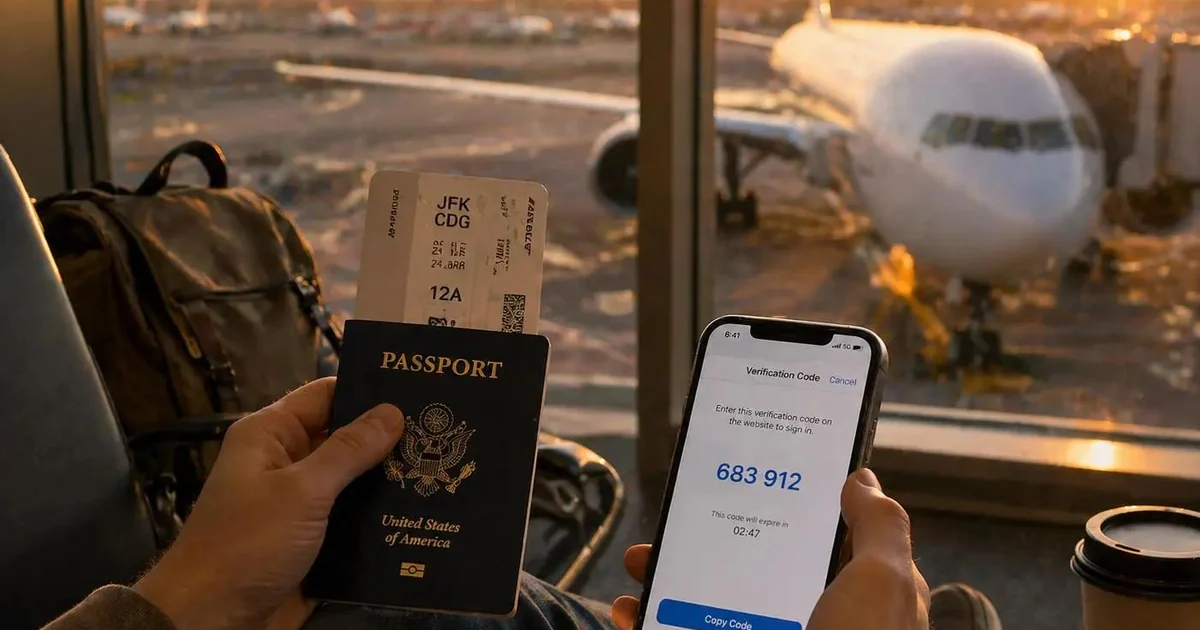
Short answer: a one-time password (OTP) is always sent to the phone number registered with the bank, app or company that sends it, not to whichever SIM is in your phone. So the most reliable setup abroad is to keep your home SIM switched on to receive OTPs, and use a travel eSIM for mobile data. This guide explains why OTPs go missing abroad, how to set up your phone before you fly, and what to do for banks, Google, Apple, WhatsApp and work accounts.
The setup that works for most travellers
- Home SIM: on, for SMS. It keeps receiving bank OTPs, card alerts and codes for every account already linked to your number.
- Travel eSIM: on, for data. It handles maps, messaging, email, ride-hailing and video calls at a fixed prepaid price, instead of your home operator's roaming data rates.
- Data roaming: on for the travel eSIM, off for the home SIM. This stops your home operator charging you for data abroad.
- An authenticator app or passkey for accounts that support one, as a backup if an SMS is late.
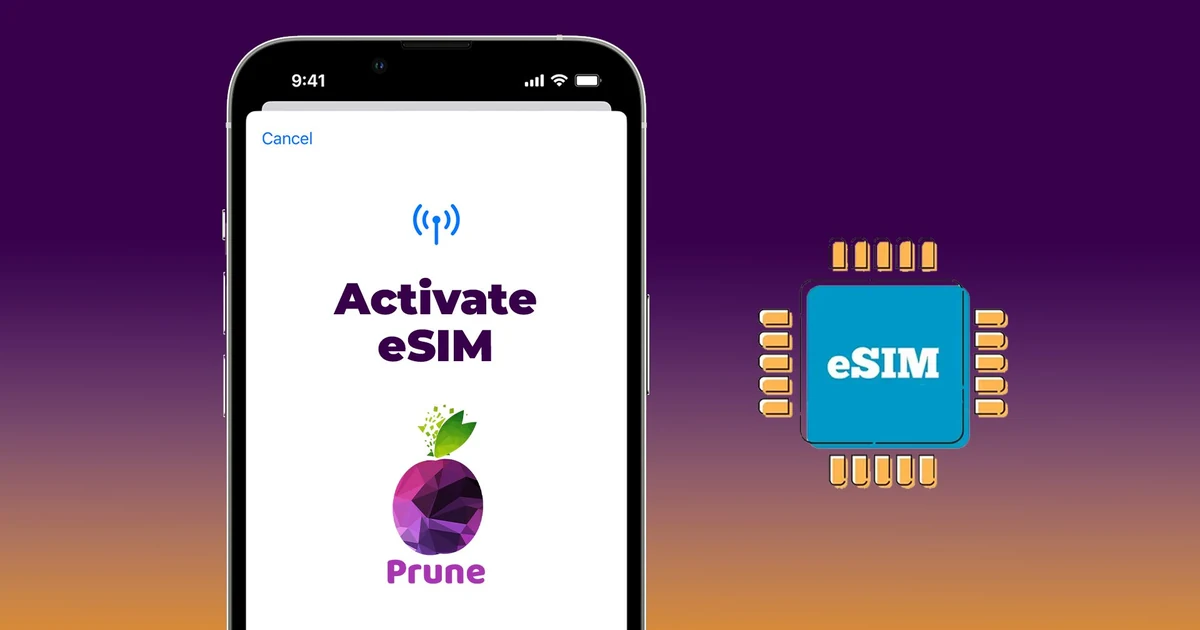
This works on any phone that supports eSIM, which includes every iPhone since the XS and XR and many recent Android phones. These phones can run a physical SIM and an eSIM, or two eSIMs, at the same time.
Where your OTP is actually sent
The most common misunderstanding about travel eSIMs is that installing one moves your OTPs to it. It doesn't. Each service sends codes to the contact details saved in your account:
- Your bank sends OTPs to the mobile number registered on your bank account.
- Google, Apple and Microsoft use the phone numbers, devices and recovery options in your security settings.
- WhatsApp verifies you through the number your account is registered with.
- Your employer's systems use whatever method your IT team set up: SMS, an authenticator app, a push notification or a security key.
If those are all linked to your home number, the codes keep going to your home number after you install a travel eSIM. A travel eSIM can only receive OTPs for services registered with its number, and only if your plan includes SMS.
With Prune, that number stays the same in every country your plan covers. It isn't a local number in your destination, and it doesn't replace your home number.
Why OTPs stop arriving when you travel
At home, an OTP passes from the sender to your operator to your phone. Abroad, it also has to cross an international roaming link and a partner network in the country you're visiting. Things usually go wrong in one of five places:
- The home SIM is off or removed. This is the most common cause. If the SIM that owns the number isn't on and connected, the OTP has nowhere to land.
- Roaming isn't enabled on the home SIM. Some operators need international roaming switched on, or a roaming pack added, before you can receive SMS abroad.
- No signal from a partner network. Your home SIM needs a network in your destination that has a roaming agreement with your operator.
- International SMS delays. OTPs sent across borders can arrive late, and some senders limit international delivery. Codes often expire after a few minutes, so a delay can mean a failed login.
- Relying on Wi-Fi alone. Ordinary SMS doesn't arrive over Wi-Fi. The exception is Wi-Fi calling: if your operator supports it abroad, it can deliver SMS to your home number over Wi-Fi. Check with your operator before you go.
Data-only vs voice and SMS travel eSIMs
Travel eSIMs come in two kinds, and it's worth knowing which one you're buying.
- Data-only eSIMs give you mobile internet only, so you can't make calls or receive SMS on them. Your banking apps still work over the data connection, and login codes keep going to your home number.
- Voice and SMS eSIMs let you make calls and receive SMS on the eSIM's own number.
Either way, your existing bank and account OTPs stay on your home number unless you change your details with each service.
What you can use your Prune number for
Your Prune number stays the same in every destination. On plans with SMS, it can receive codes wherever your plan works. It's useful for:
- Booking and travel apps that accept international numbers: hotels, airlines, tours and many ride-hailing apps.
- A contact number for the trip, so you don't have to give out your personal number.
- Calls from your phone to hotels, drivers and tour operators, on plans that include calls.
What it can't do:
- Replace your home number for banking. Indian banks, UPI apps and most Indian services need an Indian mobile number, so keep those on your home SIM. The same applies to banks in most countries.
- Act as a local number in your destination. Some local apps and services only accept a number from that country. If one doesn't accept your Prune number, use the app's email sign-up if it has one, or ask the business to message you on WhatsApp.
- Be a cheap number for people to call. It isn't an Indian or local number, so people calling it from India or your destination pay their operator's international rate. For incoming calls, ask people to use WhatsApp or another internet calling app.
How to set up your phone before you fly
- Check your home SIM's roaming rules. Ask your operator whether incoming SMS works in your destination, whether you need to switch roaming on or add a pack, and what it costs. Rules differ by operator and country and change often. For travellers from India, Airtel, Jio, Vi and BSNL each have their own international roaming settings and packs.
- Install your travel eSIM at home, on Wi-Fi. Activation is easier with a reliable connection, and you can sort out any problem before you leave.
- Set the line roles. In your phone's SIM settings, keep the home SIM line on. Choose the travel eSIM for mobile data. Turn data roaming on for the travel eSIM only.
- Test your important accounts. Log in to your banking app, email and work systems once from home, so they recognise your phone.
- Set up backups. Turn on an authenticator app or passkeys for accounts that support them. Check your recovery email and backup phone numbers are current.
- Tell your bank you're travelling if it offers a travel notice. It can reduce declined payments and extra security checks abroad.
Service by service: what to check
Banks and cards
Banks are the biggest users of SMS OTPs, and many still don't offer an alternative. Keep the registered number active. For a short trip, don't change your bank's registered number to a temporary travel number: it can trigger security holds, and you lose the number when the plan ends.
Google can verify you with an SMS, a prompt on a signed-in device, an authenticator app, a passkey or backup codes. Before you go, check 2-Step Verification in your Google Account and save your backup codes somewhere safe offline.
Apple Account
Apple sends codes to your trusted devices first and to your trusted phone number as a fallback. Keep at least one trusted number you can access abroad, which is usually your home number.
WhatsApp stays linked to your existing number, so a travel eSIM doesn't change it. You only need an SMS if you reinstall WhatsApp or move to a new phone. Avoid doing either while you're away, or make sure your home SIM can receive the code.
Work accounts
Microsoft 365, Google Workspace, VPNs and other company systems often use an authenticator app or push notifications, which work over your travel eSIM data. Check with your IT team before you leave, especially if any system still sends codes by SMS.
Shopping, social media and travel apps
Amazon, Meta, LinkedIn, airlines and hotel platforms may ask for extra verification when you log in from a new country. Keep your recovery email and phone number up to date so you can get back in quickly.
Authenticator apps and passkeys: your backup
An authenticator app (such as Google Authenticator, Microsoft Authenticator or Authy) generates codes on your phone without needing an SMS. A passkey lets you sign in with your fingerprint or face. Neither depends on roaming, so they're the most reliable option abroad. Set them up before you travel, because switching methods usually needs a code sent to your existing number.
Common mistakes to avoid
- Taking the home SIM out, or switching its line off, after landing.
- Expecting bank OTPs to move to the travel eSIM automatically.
- Buying a data-only eSIM when you need to receive SMS on the trip.
- Changing your bank or UPI number to the travel eSIM's number. Indian banks need an Indian number, and you lose the eSIM number when the plan ends.
- Giving the travel eSIM's number to family at home for calls. It's an international call for them, so use WhatsApp calls instead.
- Leaving data roaming on for the home SIM and getting a large roaming bill.
- Waiting until you arrive to install the travel eSIM.
- Reinstalling WhatsApp or banking apps abroad without access to the registered number.
Travel eSIM, roaming or local SIM?
- Travel eSIM: set it up before you fly and keep your home SIM in the phone. Regional plans cover several countries. Best for most short and medium trips.
- International roaming only: the simplest option, but data is usually far more expensive than a travel eSIM.
- Local SIM card: can be good value for long stays. But it often means a shop visit, identity checks and, on a single-SIM phone, removing your home SIM, which stops your OTPs.
Frequently asked questions
Can a travel eSIM receive OTPs?
Yes, if the plan includes SMS and the OTP is sent to the travel eSIM's number. Codes for accounts registered to your home number keep going to your home SIM.
What number does a Prune eSIM come with?
Its own mobile number, which stays the same wherever you travel. On plans with calls and SMS, you can call out from it and receive texts, including codes from apps you register with it. It isn't a local number in your destination, and it can't replace your home number for banks or UPI.
Will I get bank OTPs on Wi-Fi?
Not as a normal SMS. You may receive them over Wi-Fi if your home operator supports Wi-Fi calling abroad and it's switched on. Otherwise the home SIM needs a roaming signal.
Do I pay to receive SMS abroad?
It depends on your home operator and destination. Many operators let you receive SMS while roaming free or at low cost, but some need roaming switched on or a pack added. Check before you travel.
Should I change my bank's registered number before travelling?
Not for a short trip. Keep your existing number and make sure it can receive SMS abroad. Change it only if you're moving to another country for good.
My phone has one SIM slot. What can I do?
If it supports eSIM, you can usually keep your physical home SIM in the slot and add the travel eSIM alongside it. If it doesn't support eSIM, use international roaming on your home SIM, and switch your important accounts to an authenticator app before you leave.
How Prune helps
Prune travel eSIMs install in minutes and run alongside your home SIM, so your existing number stays on for OTPs while Prune handles your data. Depending on the plan, you can choose data-only or a plan with calls and SMS on a number that works in every country your plan covers. Plans are available for one country, a region or global travel. Find a plan for your destination or check that your phone supports eSIM.