
UAE Travel eSIM Guide: Networks, Data and Calling in Dubai and Abu Dhabi
Last updated on: November 25, 2026
133 views
Short answer: the easiest way to stay online in the UAE is a travel eSIM for data, installed before you fly, with your home SIM kept on for calls, SMS and bank OTPs. Prune's UAE eSIM connects to the country's main networks, including e& (Etisalat) on 5G, and works across all seven emirates. This guide covers the networks, how much data you'll need, getting connected when you land in Dubai or Abu Dhabi, and the UAE's rules on calling apps, which catch many visitors out.
Mobile networks in the UAE
The UAE has two main mobile operators:
- e&, formerly Etisalat, the largest network, with 5G across the cities.
- du, the second network, with strong coverage in Dubai, Abu Dhabi and the northern emirates.
Coverage is excellent in Dubai, Abu Dhabi, Sharjah and the other cities, including the metro, malls and airports. It gets patchier deep in the desert and in parts of the Hajar Mountains, so download offline maps before a desert safari or a drive to Jebel Jais.
A Prune UAE eSIM connects to e& and other partner networks and switches between them automatically. You don't need to choose a network by hand unless the phone fails to connect.
How much data do you need?
As a rough guide for a typical visit:
- Light use (maps, messaging, ride-hailing, some browsing): about 0.5 GB a day.
- Average use (plus social media, photos and the odd video call): about 1 GB a day.
- Heavy use (streaming, video calls, working remotely, hotspot for a laptop): 2 GB a day or more. An unlimited plan is usually better value.
Prune offers fixed-data UAE plans for 7 to 30 days as well as unlimited plans, and you can top up in the app if you run low. See current UAE plans.
Getting connected when you land
- Complete eKYC if you're buying in India. Indian regulations require a quick online identity check (eKYC) for eSIMs bought in India, so allow a few minutes for it after you pay. Customers buying from outside India don't need it.
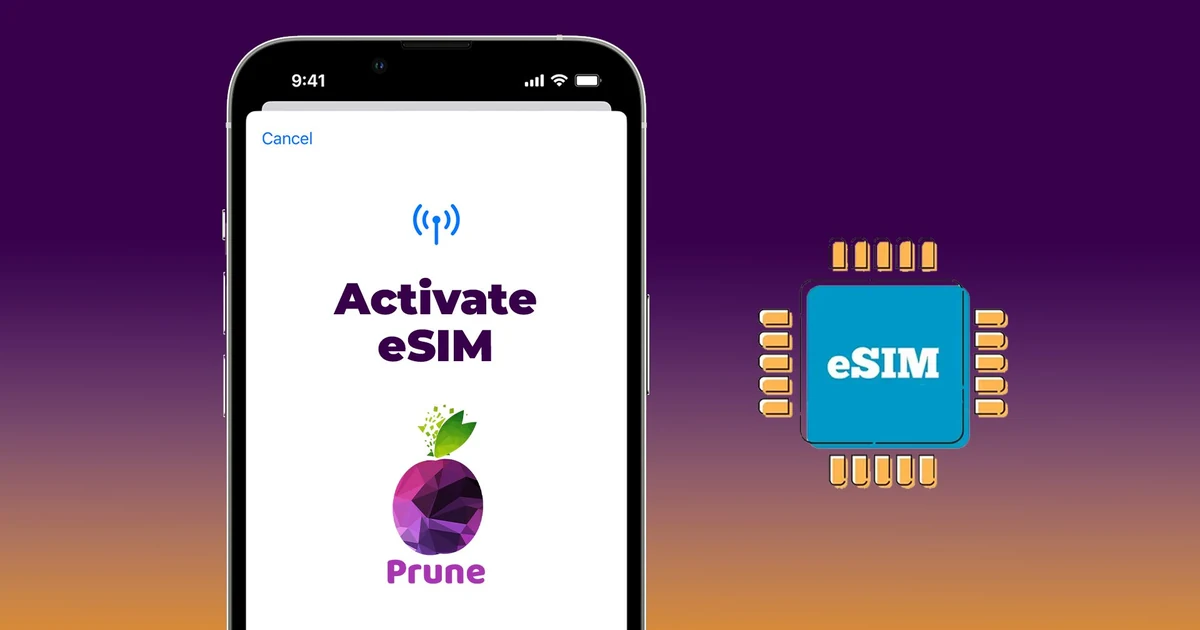
- Install the eSIM at home, on Wi-Fi, a day or two before you fly. Your plan starts only when the eSIM first connects to a supported network in the UAE, so installing early doesn't use up any days.
- Before landing, set the Prune eSIM as your mobile data line and turn on data roaming for it. Turn data roaming off on your home SIM.
- After landing at Dubai (DXB), Abu Dhabi (AUH) or Sharjah (SHJ), switch off airplane mode. Your phone should connect within a minute or two. If it doesn't, restart the phone.
- Backup option: UAE airports offer free public Wi-Fi if you need to contact support while setting up.
Calling in the UAE: what works and what doesn't
This is the part most visitors don't expect. The UAE regulates internet calling, and voice and video calls on some popular apps have long been restricted, including WhatsApp and FaceTime calls. Messaging on these apps works normally. The rules have changed over the years and depend on the app, so check the current position before you travel if calling matters to you.
Your options for calls:
- Apps licensed in the UAE, such as Botim, for internet calls over your eSIM data.
- Business apps such as Microsoft Teams and Zoom, which are widely used for work in the UAE.
- Your home SIM on roaming for ordinary phone calls. Check your operator's UAE roaming rates first, because calls can be expensive.
Prune's UAE plans are data plans, so for regular calls and texts you'll use your home SIM or an internet calling app.
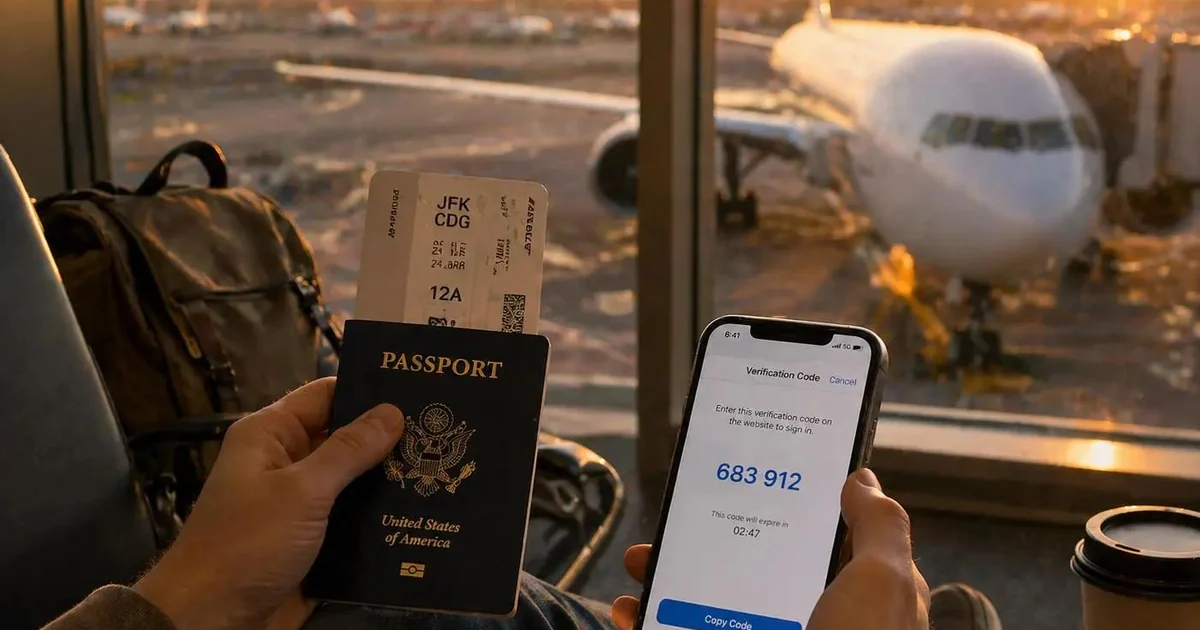
Keeping your Indian number and OTPs working
Bank OTPs, UPI alerts and app codes go to the number registered with each service, which for most visitors from India is their Indian number. Keep your home SIM switched on alongside the eSIM, with roaming enabled for incoming SMS if your operator requires it. Airtel, Jio, Vi and BSNL each have their own UAE roaming packs and rules, so check before you fly.
For the full setup, see our guide on how to receive OTPs while travelling abroad.
Apps worth installing before you go
- Careem and Uber for rides. Dubai and Abu Dhabi taxis can also be booked through them.
- RTA Dubai or S'hail for the Dubai Metro, trams, buses and journey planning.
- Google Maps, with offline maps downloaded for desert trips.
- Talabat or Deliveroo for food delivery.
- Botim, if you need internet calls.
Some local apps ask for a phone number when you sign up. Most accept an international number such as your Indian one.
Staying safe online
Free Wi-Fi is common in UAE malls, hotels and the metro. It's fine for browsing, but use your eSIM data for banking and payments rather than public Wi-Fi.
Before-you-fly checklist
- Check your phone supports eSIM and isn't carrier-locked.
- Buy your Prune UAE eSIM, complete eKYC if you're buying in India, and install it on Wi-Fi.
- Set the eSIM for data and turn off data roaming on your home SIM.
- Check your home operator's UAE roaming rules for SMS and calls.
- Download offline maps and the apps above.
- Set up an authenticator app for important accounts, as a backup for SMS codes.
Frequently asked questions
Does a travel eSIM work in Dubai and Abu Dhabi?
Yes. A Prune UAE eSIM works across all seven emirates, including Dubai, Abu Dhabi, Sharjah and Ras Al Khaimah, on the country's main networks.
Can I make WhatsApp calls in the UAE?
WhatsApp voice and video calls have long been restricted in the UAE, although messaging works. Use a UAE-licensed calling app, a business app like Teams or Zoom, or your home SIM on roaming. Rules can change, so check before you travel.
Will my Indian number still work?
Yes, if you keep your home SIM switched on alongside the eSIM. You'll keep receiving calls, SMS and bank OTPs on it. Roaming charges from your home operator may apply, so check with them first.
Do I need to verify my identity?
Only if you buy in India. Indian regulations require a short online eKYC check for eSIMs bought in India, which you complete after payment. If you buy from outside India, no identity check is needed.
When does my UAE plan start?
When the eSIM first connects to a supported network in the UAE, not when you buy or install it.
Can I top up if I run out of data?
Yes. You can add a top-up in the Prune app without installing a new eSIM.
How Prune helps
Prune's UAE eSIM gives you data on the UAE's main networks from the moment you land, alongside your home SIM, so your Indian number stays on for calls and OTPs. Choose a fixed-data or unlimited plan and top up in the app if you need more. See UAE plans or check that your phone supports eSIM.